

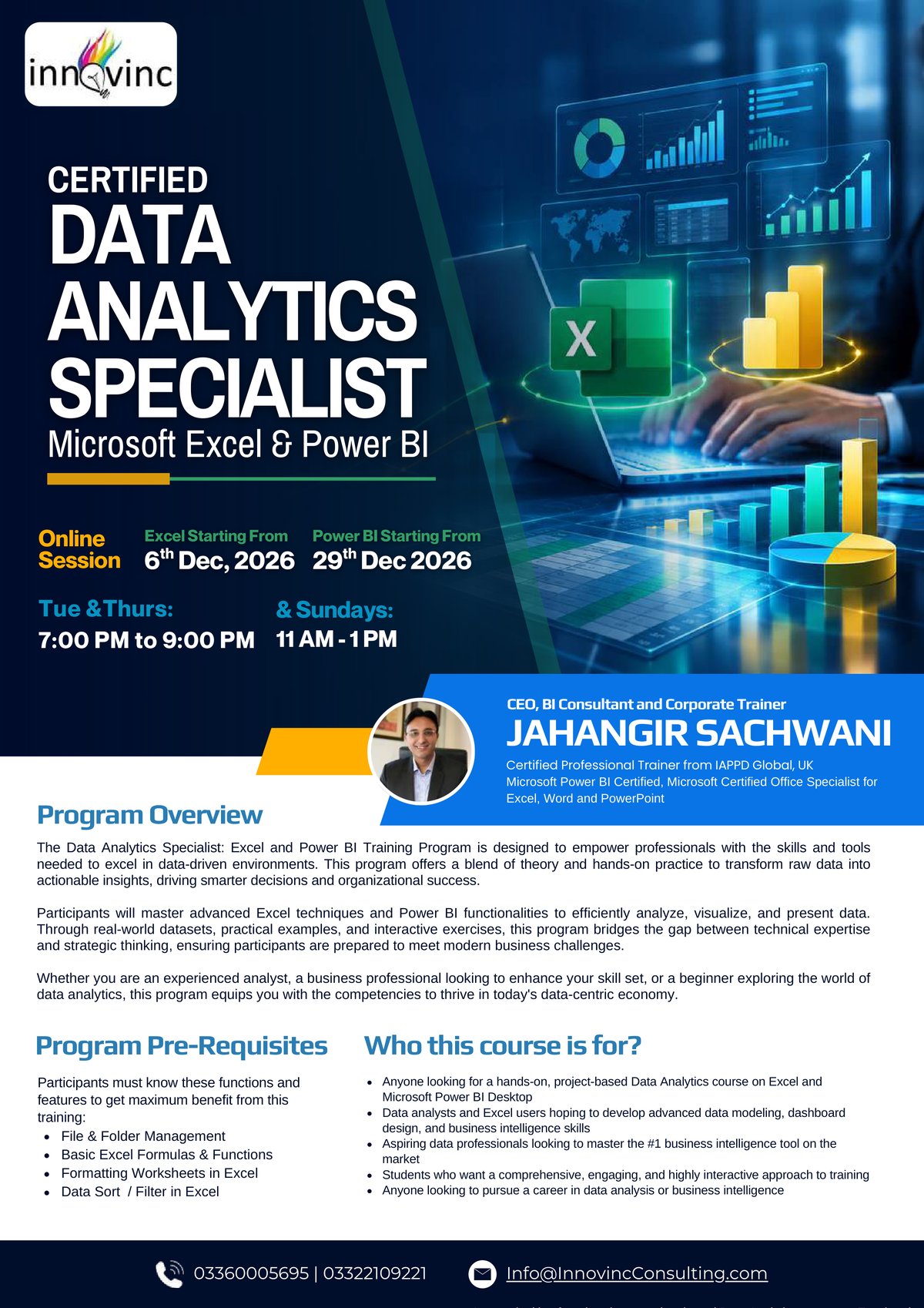
Certified Data Analytics Specialist: Microsoft Excel & Power BI
A 40-hour live online program to turn raw data into actionable insights: advanced Excel for analysis and dashboards, then Power BI Desktop end to end, from shaping data and building data models to DAX and interactive reports.
Fee per participant
PKR 40,000 + taxes PKR 55,000
Starts in
- When6 Dec – 24 Jan 2027
- Duration40 hours · 20 live sessions × 2 hours (Tue & Thu 7–9 pm, Sun 11 am – 1 pm): Excel 16 hours, Power BI 24 hours
- FormatLive online
- WhereZoom or Microsoft Teams
- LanguageUrdu & English (bilingual), mostly in Urdu
- Register by6 December 2026
Live session schedule
All times are Pakistan time (PKT, UTC+5).
🗣️ Language: Urdu & English (bilingual), mostly in Urdu
- 6Dec Excel 16 December 2026 · 11:00 am – 1:00 pm PKT
- 8Dec Excel 28 December 2026 · 7:00 – 9:00 pm PKT
- 10Dec Excel 310 December 2026 · 7:00 – 9:00 pm PKT
- 13Dec Excel 413 December 2026 · 11:00 am – 1:00 pm PKT
- 15Dec Excel 515 December 2026 · 7:00 – 9:00 pm PKT
- 17Dec Excel 617 December 2026 · 7:00 – 9:00 pm PKT
- 20Dec Excel 720 December 2026 · 11:00 am – 1:00 pm PKT
- 22Dec Excel 822 December 2026 · 7:00 – 9:00 pm PKT
- 29Dec Power BI 129 December 2026 · 7:00 – 9:00 pm PKT
- 31Dec Power BI 231 December 2026 · 7:00 – 9:00 pm PKT
- 3Jan Power BI 33 January 2027 · 11:00 am – 1:00 pm PKT
- 5Jan Power BI 45 January 2027 · 7:00 – 9:00 pm PKT
- 7Jan Power BI 57 January 2027 · 7:00 – 9:00 pm PKT
- 10Jan Power BI 610 January 2027 · 11:00 am – 1:00 pm PKT
- 12Jan Power BI 712 January 2027 · 7:00 – 9:00 pm PKT
- 14Jan Power BI 814 January 2027 · 7:00 – 9:00 pm PKT
- 17Jan Power BI 917 January 2027 · 11:00 am – 1:00 pm PKT
- 19Jan Power BI 1019 January 2027 · 7:00 – 9:00 pm PKT
- 21Jan Power BI 1121 January 2027 · 7:00 – 9:00 pm PKT
- 24Jan Power BI 1224 January 2027 · 11:00 am – 1:00 pm PKT
Who should attend
- Anyone looking for a hands-on, project-based data analytics course on Excel and Power BI Desktop
- Data analysts and Excel users who want advanced data modeling, dashboard design and BI skills
- Aspiring data professionals who want to master the leading business intelligence tool
- Students who want an engaging, highly interactive approach to training
- Anyone looking to pursue a career in data analysis or business intelligence
What you will be able to do
- Build professional-quality business intelligence reports from the ground up
- Blend and transform raw data into beautiful interactive dashboards
- Showcase your skills with full-scale course projects (with step-by-step solutions)
- Understand the business intelligence workflow from end to end
Program outline
01 Excel Module 1: Business Excel with real-world examples and painful areas +
- Tips and tricks to speed up your work
- Advanced formulas & functions: date, text and logical functions (IF, AND, OR)
- SUMIFS, COUNTIFS
- VLOOKUP, HLOOKUP, XLOOKUP
- CHOOSE, INDEX & MATCH, IFERROR
02 Excel Module 2: Analyzing and designing reports +
- Conditional formatting
- Pivot tables with slicers
- Dynamic charts using form controls
- Interactive dashboard using pivot tables
03 Power BI Objective 1: Introduction to Power BI Desktop +
- Meet Microsoft Power BI Desktop
- Downloading Power BI & adjusting settings (including regional settings)
- Exploring the Power BI Desktop interface & workflow
- Helpful Power BI resources
04 Power BI Objective 2: Connecting and shaping data +
- Types of data connectors
- The Power Query Editor and basic table transformations
- Text, numerical and date & time tools
- Pro tip: creating a rolling calendar
- Index & conditional columns; grouping & aggregating records
- Merging and appending queries; pivoting and unpivoting data
- Data source and query refresh settings
- Data types, categories and hierarchies
- Data connection best practices
- Quiz and classwork
05 Power BI Objective 3: Table relationships and data models +
- What is a data model? Principles of database normalization
- Data tables vs. lookup tables; relationships vs. merged tables
- Creating and managing relationships; snowflake schemas
- Active vs. inactive relationships and cardinality
- Filter flow and two-way filters
- Hiding fields from the report view
- Data model best practices
- Quiz and classwork
06 Power BI Objective 4: Analyzing data with DAX calculations +
- Calculated columns vs. DAX measures; implicit vs. explicit measures
- Filter context and step-by-step DAX measure calculation
- DAX syntax, operators and function categories
- Date & time, logical (IF/AND/OR), text, math & stats functions
- RELATED and COUNT functions (COUNTA, DISTINCTCOUNT, COUNTROWS)
- CALCULATE, ALL and FILTER
- Iterator functions (SUMX, RANKX)
- Time intelligence formulas
- DAX best practices
- Quiz and classwork
07 Power BI Objective 5: Visualizing data with Power BI reports +
- The report view, canvas objects, basic charts and visuals
- Conditional formatting, formatting and filtering options
- Matrix visuals, date slicers, cards and KPI visuals
- Maps, tree maps, line & area charts, trend lines & forecasts, gauge charts
- Report interactions, drill-through filters and bookmarks
- Custom visuals; designing for phone vs. desktop viewers
- Introduction to publishing to Power BI Service
- Data visualization best practices
- Quiz and classwork
08 Post-training project (assessment) +
- Part 1: Connecting & shaping the data
- Part 2: Creating the data model
- Part 3: Adding DAX measures
- Part 4: Building the report
What's included
- 40 hours of live, hands-on training (16 hours Excel, 24 hours Power BI)
- Course project: build an end-to-end BI solution for Adventure Works Cycles, a global manufacturer, from raw CSV files
- Quizzes and classwork for every Power BI objective
- Post-training project (assessment)
- Session recordings on our Learning Management System (LMS), available for 6 months after the program ends
- E-certificate of completion from Innovinc AI
Before you join
You should know file & folder management, basic Excel formulas & functions, formatting worksheets, and sorting and filtering data in Excel. For the Power BI part: a Windows laptop or PC (this course is not available for Mac): i5 8th generation processor or newer (12th generation recommended), 8 GB RAM (16 GB recommended), Windows 10 or later, and the latest Power BI Desktop installed from the Microsoft Store.

Your trainer
Jahangir SachwaniFounder & CEO, Innovinc AI · Lead Trainer
27+ years in training and analytics · 500,000+ professionals trained · Lead Trainer for Excel & Power BI at LUMS · Microsoft certified.
Frequently asked questions
Can I join only the Excel or only the Power BI part?+
Yes. You can join the full package (40 hours, PKR 55,000, early bird PKR 40,000 until 26 Nov), Microsoft Excel only (16 hours, 6–22 Dec, PKR 25,000, early bird PKR 20,000 until 26 Nov) or Microsoft Power BI only (24 hours, 29 Dec – 24 Jan, PKR 30,000, early bird PKR 25,000 until 4 Dec). International fees: USD 199 (early 149), USD 99 (early 79) and USD 119 (early 99). Each option has its own page under Public Programs, and the full package can be paid in 2 instalments in PKR at no extra charge (instalments are not available for Excel only or Power BI only). The full package is the best value.
Can I pay in instalments?+
Yes, in 2 equal instalments with no extra charge, if you are joining as an individual and paying in PKR: 2 × PKR 20,000 until 26 November, then 2 × PKR 27,500 (the same total as paying in full). Pay the first instalment to confirm your seat; the second is due on the 10th of the month, on the first 10th that is at least 20 days after you enrol (for example, enrol on 15 November and it is due 10 December). We email a reminder 5 days and 1 day before. Instalments are not available for payments in USD.
What language is the program taught in?+
The program is bilingual, delivered mostly in Urdu with English, so concepts are easy to follow. Course materials, the software and technical terms are in English.
What computer do I need?+
A Windows laptop or PC (this course is not available for Mac): i5 8th generation processor or newer (12th generation recommended), 8 GB RAM (16 GB recommended), Windows 10 or later, and the latest Power BI Desktop installed from the Microsoft Store.
Is there a group discount?+
Yes: 5 + 1 free and 10 + 2 free. Enrol your group together and the free seats are applied automatically.
Is there a class on New Year's Eve?+
Yes, Power BI session 2 is on Thursday 31 December, 7:00 – 9:00 pm Pakistan time. If you miss a session, contact us and we will help you catch up.
How do I pay?+
Fill in the form to reserve your seat. You will see the payment details straight away and receive them by email. In Pakistan you can pay by bank transfer or Easypaisa; international participants pay in USD through Payoneer. Your seat is held for 48 hours while you pay. Individuals paying in PKR can also choose an instalment plan (2 × PKR 27,500) and pay the first instalment to confirm their seat.
When is my seat confirmed?+
As soon as we receive your payment, we email your enrolment confirmation with a receipt, a calendar file for all sessions and joining instructions.
What time zone are the sessions in?+
All times are Pakistan time (PKT, UTC+5). International participants are welcome: this page shows the session times in your own time zone, and you can choose your country from the list next to the schedule.
Can my company pay and get an invoice?+
Yes. Tick "My company needs an invoice" and add the company details. You can also enrol several colleagues together: for every 5 paid seats, one more is free (5 + 1).
What if I miss a session?+
Every live session is recorded. If you miss a class, you can watch the recording on our Learning Management System (LMS) and catch up before the next session. You can also send your questions to the trainer. Recordings stay available for 6 months after the program ends.
What is the refund policy?+
See our refund policy page for full details. In short, you can get a refund or move to the next batch if you cancel in good time. Read the refund policy.
Can this program be run for our team only?+
Yes. Any program can be delivered privately for your organization, online or onsite, with examples from your own work.
Enrol now
Reserve your seat
Your seat is held while you pay. You'll get the payment details on the next screen and by email.
Other public programs
Data Analytics Specialist: Microsoft Excel
6–22 December 2026
A 16-hour live online program on business Excel: advanced formulas and lookups, pivot tables, dynamic charts and interactive dashboards, with real-world examples. The first part of the Certified Data Analytics Specialist program.
- 16 hours · 8 live sessions × 2 hours (Tue & Thu 7–9 pm, Sun 11 am – 1 pm), 6 – 22 Dec
- Urdu & English (bilingual), mostly in Urdu
- Beginner to intermediate
Fee per participant
PKR 20,000 + taxes PKR 25,000
Advanced Power BI, Fabric & Generative AI
27 Dec – 11 Apr 2027
A 48-hour advanced live online certification program for professionals: Advanced Power BI, Power BI Service, Microsoft Fabric and Generative AI, to build modern, AI-powered analytics solutions for real business impact.
- 48 hours · Sundays only, 4 hours per session, 2:00 – 6:00 pm Pakistan time
- Urdu & English (bilingual), mostly in Urdu
- Advanced
Fee per participant
PKR 35,000 + taxes PKR 40,000
Certified BI AI Professional
27 Dec – 18 Jul 2027
A 6-month advanced live online program to master Business Intelligence, analytics and Generative AI: Power BI Advanced and Power BI Service, Microsoft Fabric, SQL, Python and PL-300 exam preparation, with Generative AI built into every module.
- 6 months · Sundays only, 4 hours per session, 2:00 – 6:00 pm Pakistan time
- Urdu & English (bilingual), mostly in Urdu
- Advanced
Fee per participant
PKR 60,000 + taxes PKR 100,000